
A Cathodemer alternative
Meet Hex Composer. Build real-time visuals from oscillators, shapes, feedback and effects, then play them with audio and MIDI.
A different patching workflow for familiar visual territory. No code or shaders.
Windows · macOS · Linux
All editing features in the demo. Demo exports have a watermark.
Cathodemer and Hex Composer
Cathodemer organises its controls into five creative sections. Hex Composer lets you arrange generators, feedback and effects in a chain.
| Capability | Cathodemer | Hex Composer |
|---|---|---|
| Platforms | Windows and macOS listed on Steam | Windows, macOS and Linux |
| Building visuals | Five sections for synthesis, sources, recursive shapes, sprites and effects | Patch chains of oscillators, shapes, feedback, sources and effects |
| External sources | Video files, USB cameras and network streams | Video files, capture devices and NDI, Spout or Syphon inputs |
| Playing the controls | MIDI Learn and audio input control | Audio control, MIDI and OSC Learn, plus modulation |
| CRT processing | Virtual CRT display with adjustable resolution and screen geometry | Scanlines, phosphor, glow, convergence, persistence and distortion |
| Live output | Spout, Syphon and NDI frame sharing | Spout on Windows, Syphon on macOS and NDI with its separate runtime |
Checked . Sources: Cathodemer features, NDI announcement, Cathodemer on Steam, and Hex Composer documentation.
When to try Hex Composer
You want to build in chains
HXC lets you arrange generators, feedback and effects in a signal chain. Cathodemer organises its controls into five creative sections. Try HXC if choosing the order of those building blocks suits the way you work. The signal-chain guide explains how they connect.
You need a Linux build or live output
Hex Composer runs on Windows, macOS and Linux. For an existing visual setup, use Spout on Windows, Syphon on macOS, or NDI with its separate runtime. Check the output setup guide against your receiving application and platform.
You want to try the process first
Open the CRT and feedback example in HXC and adjust its controls. The free demo includes all editing features; exported video has a watermark. Use it to test the workflow before buying the full version on Steam.
Find familiar starting points
Use Cathodemer's section names to choose a starting point for a new HXC patch:
- Synthesizer: explore RGB waveform patterns with HXC's OSC module.
- Arabesque: explore repeated geometry with SHAPE and its per-level scale, rotation and offset.
- Figure: place and repeat images with SPRITE, using its Sprite, Tile, Fractal or Scatter display modes.
- CRT Screen Simulator: process the image with CRT Insert FX such as Scan Lines, Glow and Convergence Error.
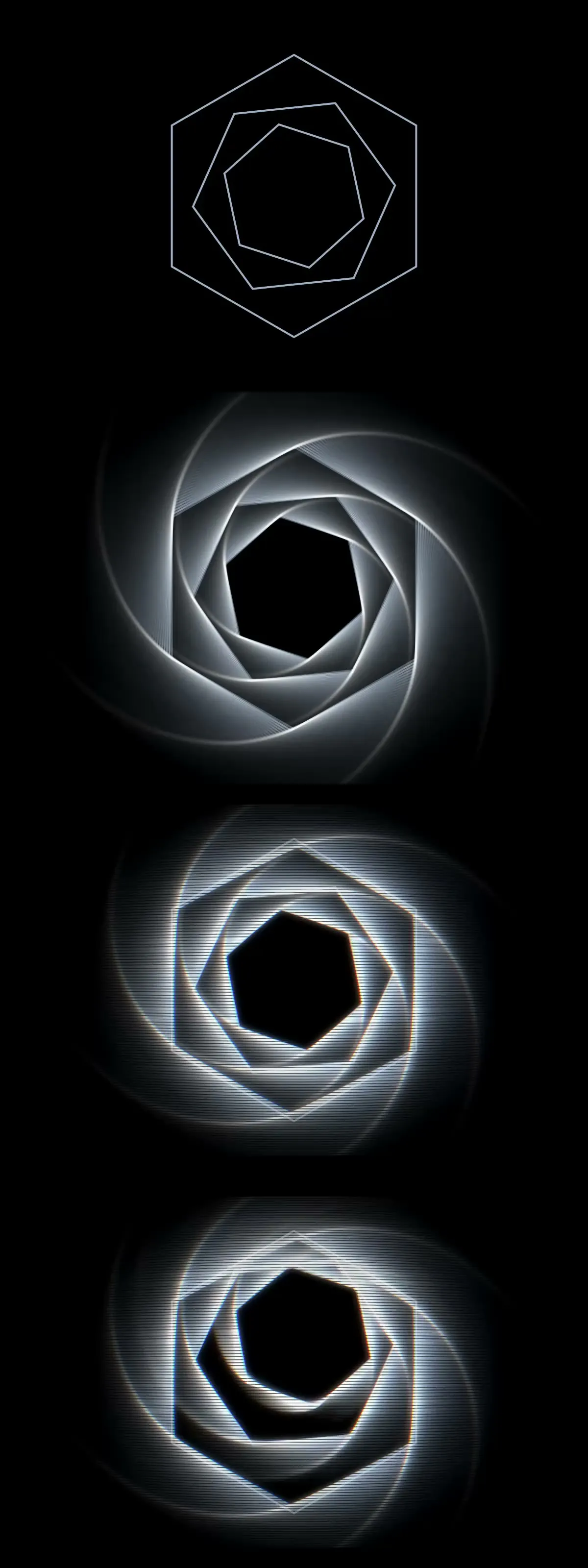
Shape → Feedback → CRT → Modulation
Made in Hex Composer. Four stages of the same patch.
The animation could not load. Select a step to see its still image, or download the patch.
Patch it your way
Arrange modules in a chain, adjust a control and see the output change as you play. Start from scratch or open a preset and explore from there.
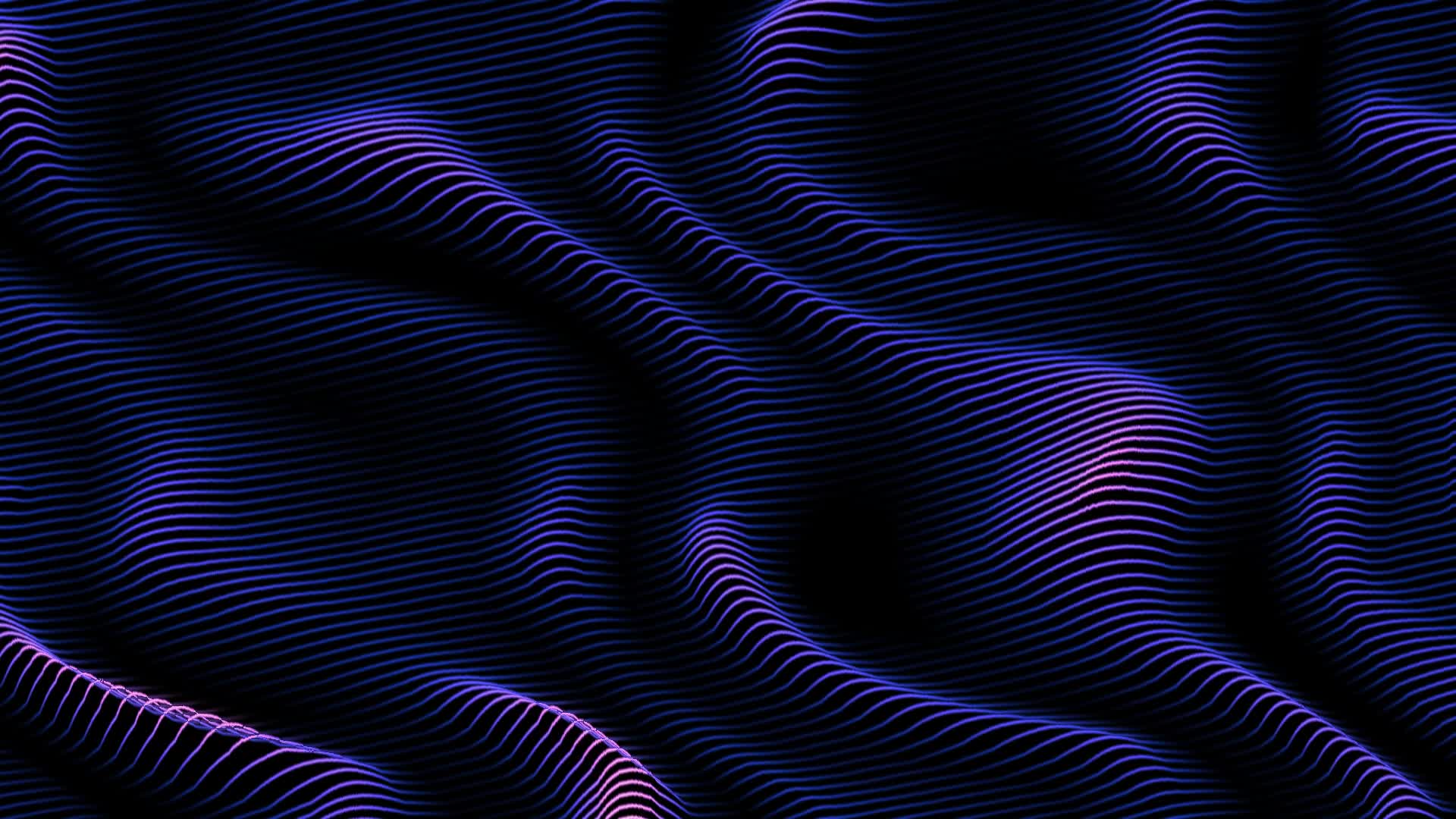
Want to try the ribbon artwork above? Download its editable 24-second patch and open it in HXC. Its generators are included. Adjust Warp amount or Drift amount; keep both Loop seconds controls equal to preserve the loop.
Explore the getting started guide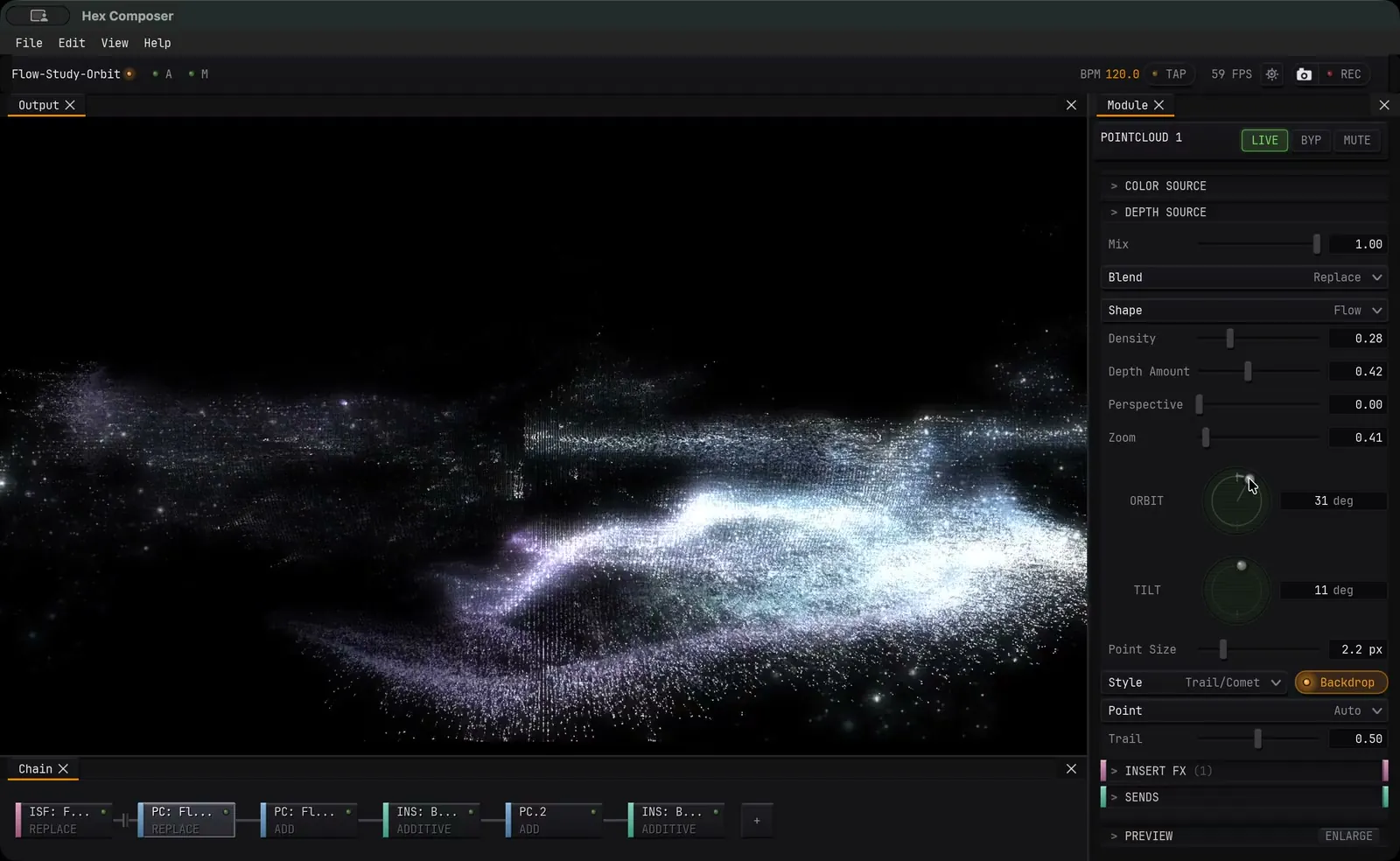
Before you try it
Is Hex Composer free?
The free demo includes all editing features. Demo exports have a watermark. The full version is purchased on Steam; check the store for current regional pricing.
Can it make Cathodemer-style visuals?
Oscillators, recursive feedback, shapes and CRT processing let you explore similar visual territory. The two instruments have different controls and workflows, so expect to build a new patch rather than reproduce a preset exactly.
Can it respond to music or a controller?
Yes. Follow the audio spectrum guide to make a ring of points respond to a song with an editable patch. To move individual parameters with audio level or frequency bands, use Audio-Reactive modulation.
Use MIDI and OpenSoundControl Learn to assign incoming MIDI or OpenSoundControl messages to parameters.
Can I use it with my live setup?
Send HXC output to tools such as Resolume, TouchDesigner or OBS. Use Spout on Windows, Syphon on macOS, or NDI with its separate runtime. See the manual for setup and platform details.
Is this a Cathodemer download?
This page introduces Hex Composer, a separate video synthesizer. For Cathodemer itself, visit its official website or Steam listing. The free demo linked here is for Hex Composer.
Try your first patch
Explore the presets, move a few controls and see how Hex Composer fits the way you make visuals.
Windows · macOS · Linux
All editing features in the demo. Demo exports have a watermark.